
01
A beam that sweeps
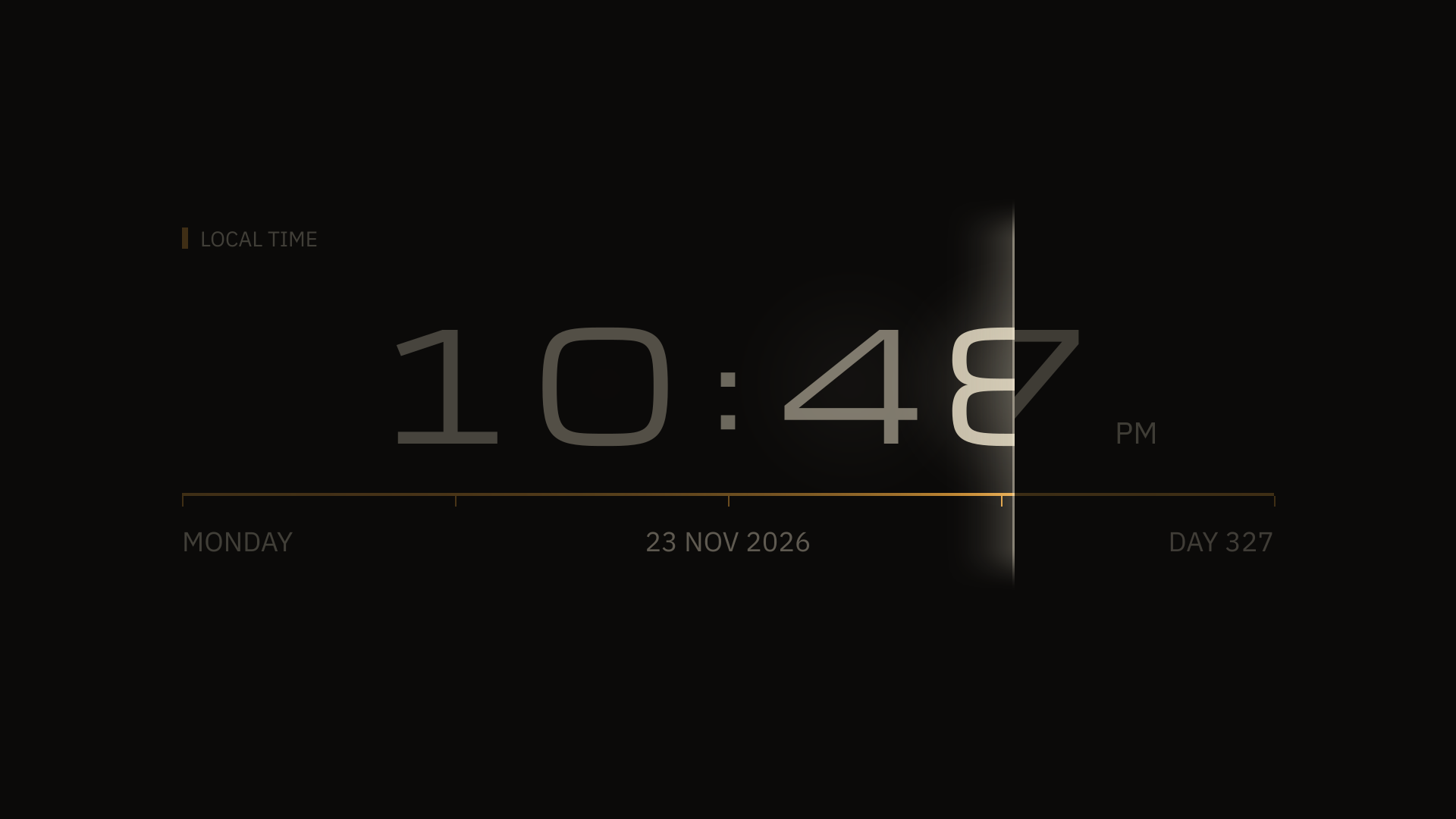
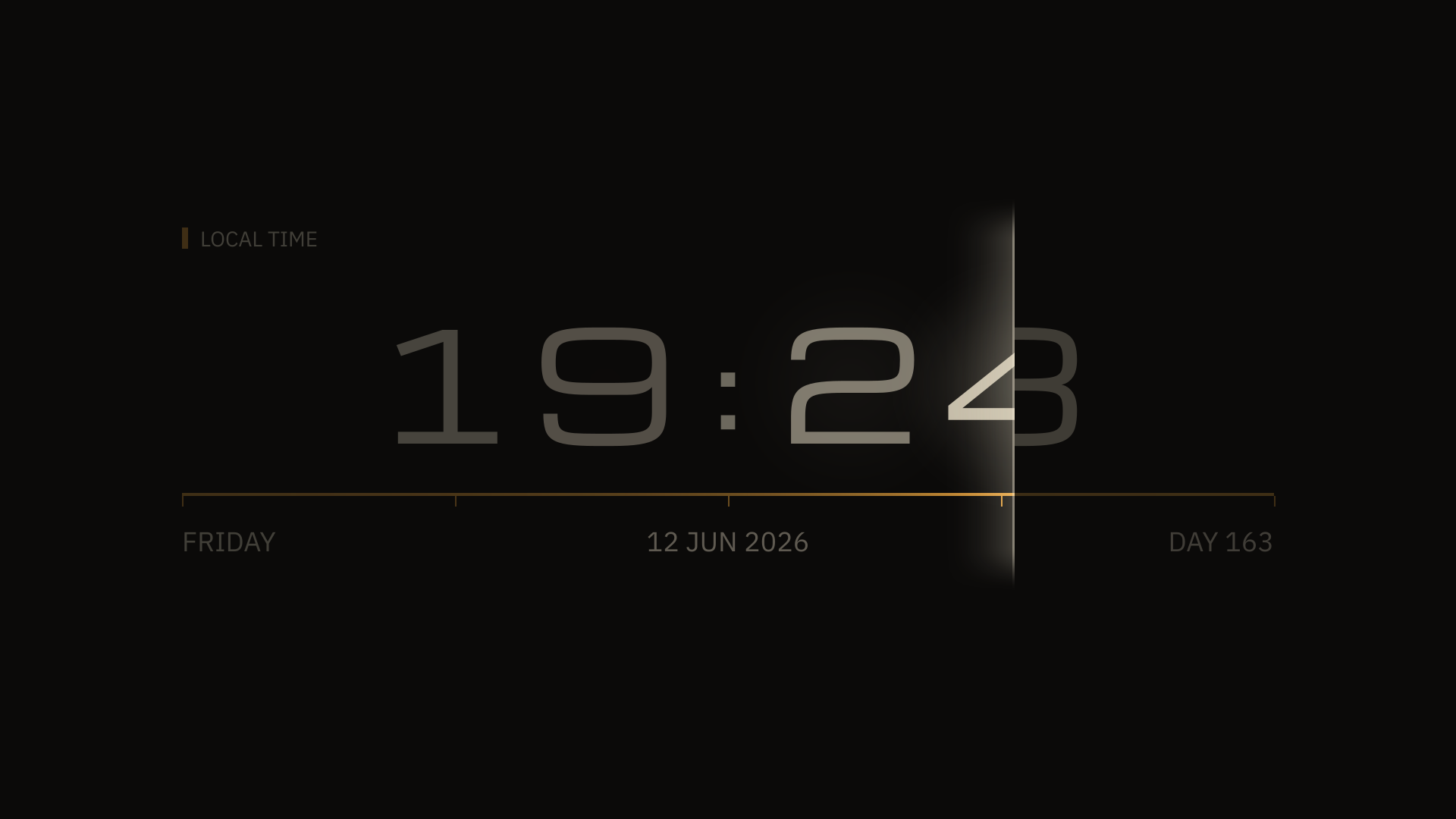
A thin vertical beam of light crosses the panel from left to right every 10 seconds. Everything it has just passed is freshly lit; everything ahead of it is the previous pass, faded.
ScanClock turns your TV into a 1970s control-room display. A thin beam sweeps the panel every ten seconds, lighting the time and date in cream and amber, then lets them fade until the next pass.
Live demo · one sweep every 10 seconds
ScanClock is a Full HD clock screensaver for Roku TVs and streaming players. It looks like a rear-lit control-room display panel from the 1970s: a near-black ground, cream type, amber accents, wide squared numerals and plain, legible labels. Nothing moves except the beam and the slow passage of time.
A thin vertical beam of light crosses the panel from left to right every 10 seconds. Everything it has just passed is freshly lit; everything ahead of it is the previous pass, faded.
When the minute changes, the new numeral appears as the beam crosses it. For a moment the bright new digit sits on the left of the beam and the faded old one on the right.
The time, AM/PM in 12-hour mode, a LOCAL TIME label, the weekday, the date and the day of the year, set above and below an amber rule.
Choose 12-hour or 24-hour time in the screensaver settings; until you do, ScanClock follows your Roku. Labels appear in English, French, Spanish, German or Portuguese, chosen from the Roku system language.
The whole panel drifts slowly on a ten-minute loop and brightness keeps changing as the beam passes, to reduce the risk of image retention.
No network requests, no account, no ads, no analytics and no data collection. The only thing stored is your clock-format choice, on your Roku.
ScanClock has been tested on Roku OS 16. When it is available, you will set it as your screensaver from Roku Settings; the setup guide shows how.
Roku is a trademark of Roku, Inc. ScanClock is an independent product and is not affiliated with or endorsed by Roku.